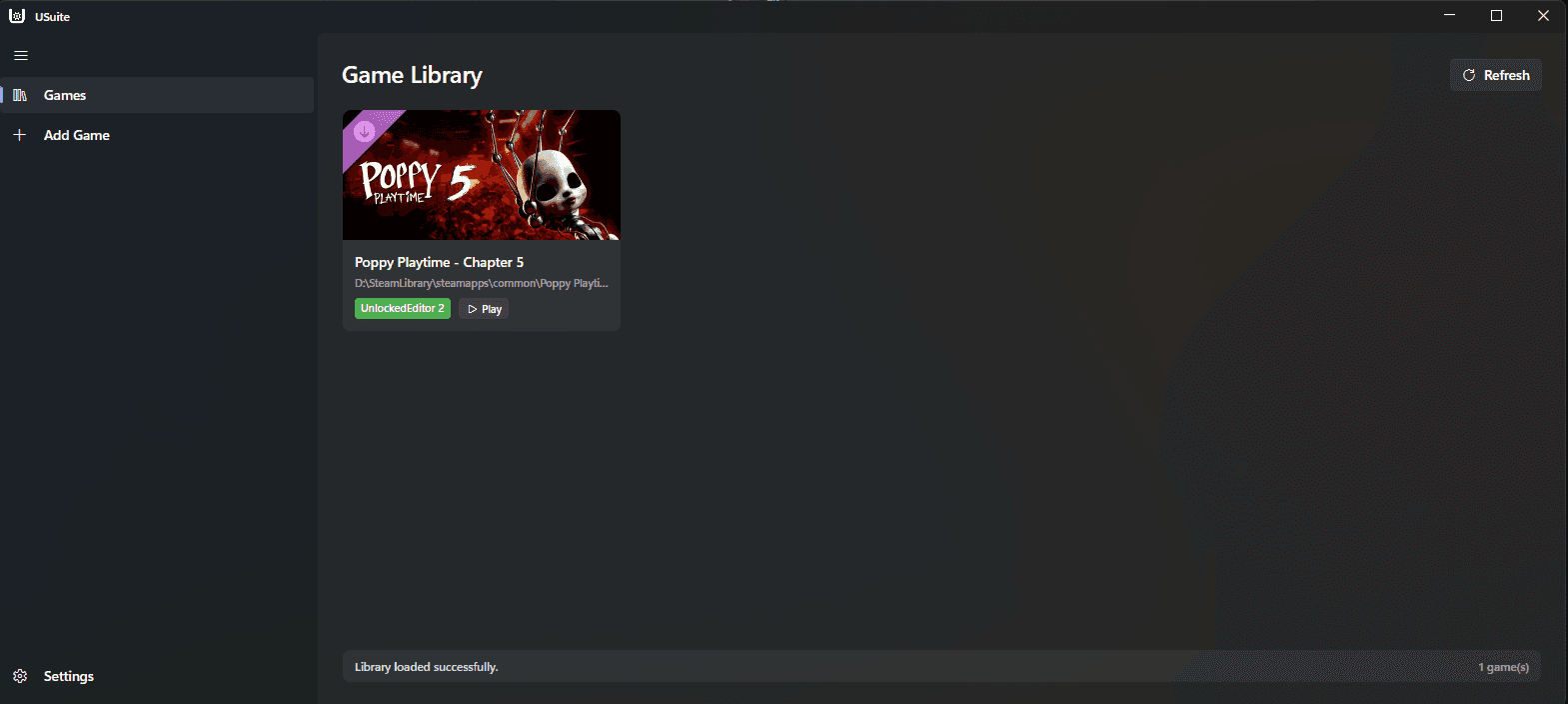
Adding games
Add a game from your Steam library to USuite.
USuite is deprecated from 1 November 2026. Use UnlockedKit for new installs.
To add a game, first open USuite.
On the left side, you will see a sidebar. Click Add Game.
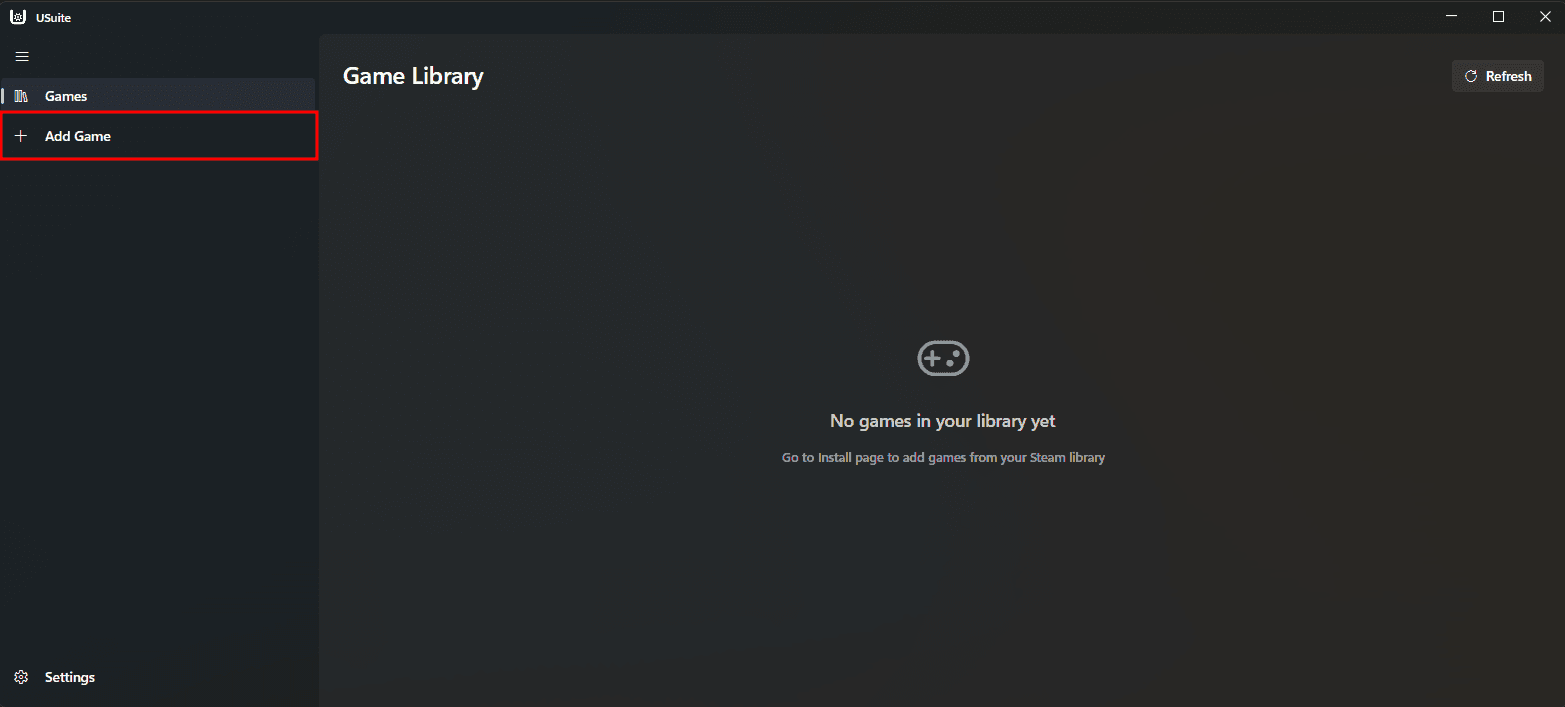
It will then fetch the games from your Steam library. This can take up to two minutes.
There is currently no way to add games manually
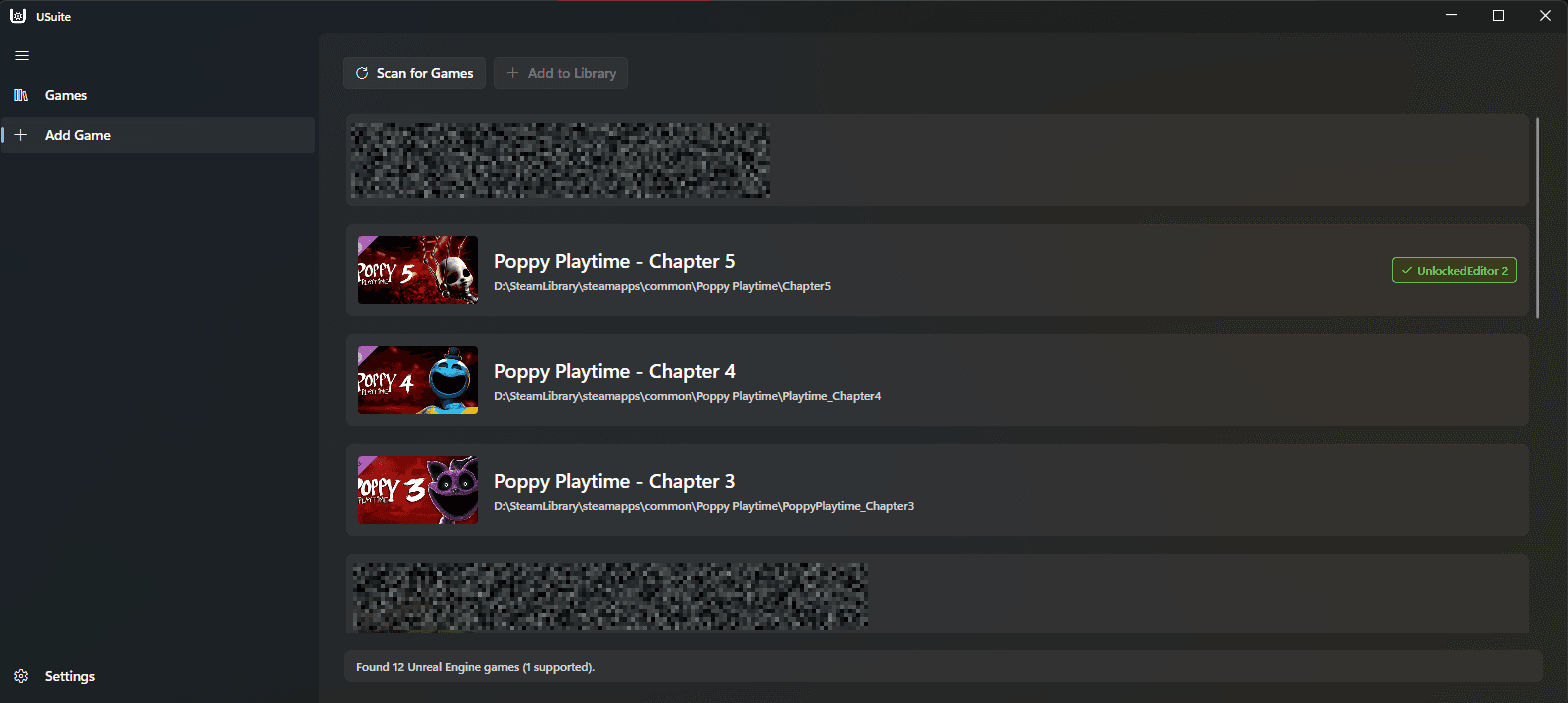
After the games are processed, you will see a list of games.
The UnlockedEditor 2 tag indicates that the game is compatible with UnlockedEditor 2. Games without this tag only support the Unlocked Runtime.
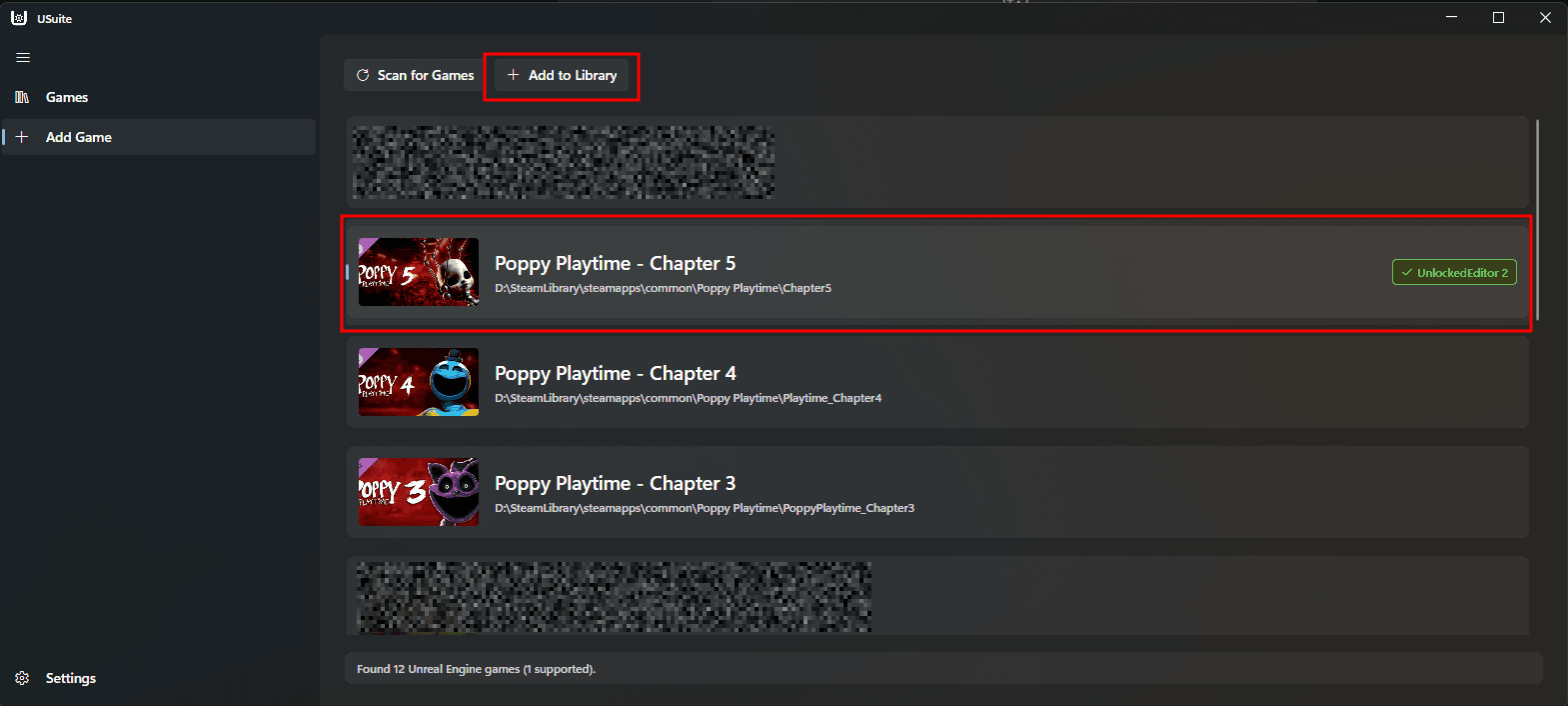
Next, press on the game you would like to add to USuite and press the button at the top "Add to Library"
You will then be redirected to the Games page, and the game should be added.